Hypothesis Test Selection Guide
- Home /
- Hypothesis Test Selection Guide
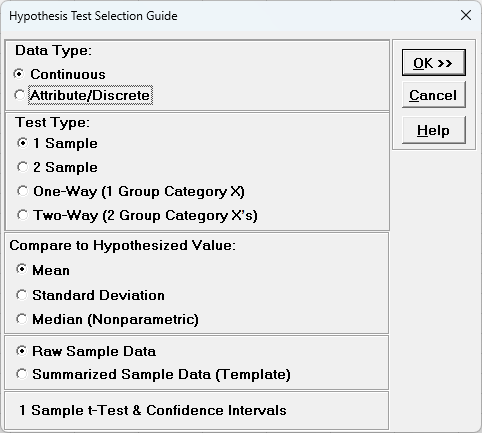
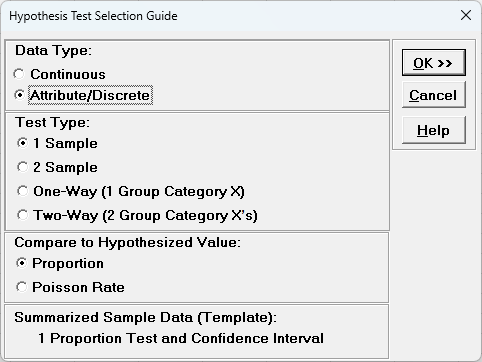
Click SigmaXL > Statistical Tools > Hypothesis Test Selection Guide to start the guide. Please have the data that you wish to analyze as the active sheet with data preselected or ready for selection. Select Data Type as Continuous or Attribute/Discrete. Select Test Type as 1 Sample, 2 Sample, One-Way (1 Group Category X) or Two-Way (2 Group Category Xs). Select Compare to Hypothesized Value or Compare options. If available, select Raw Sample Data or Summarized Sample Data (Template), then choose from the available hypothesis tests. Click OK >> to start the data selection and perform the hypothesis test. This is equivalent to selecting a hypothesis test from the menu. Note that Regression, Correlation and General Linear Model are not included in this guide.